 Code Inspector
Code Location
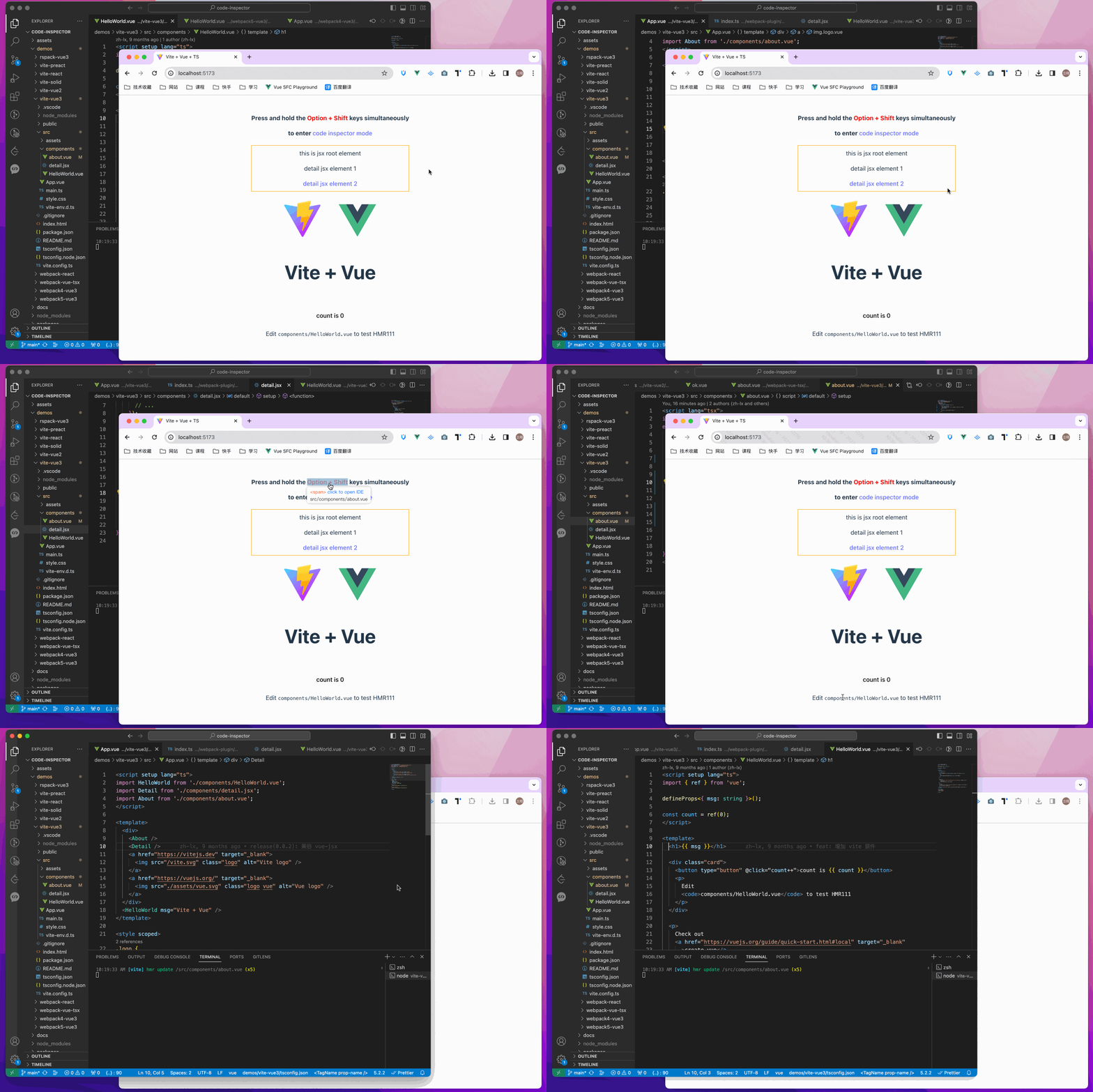
Code Location is the core capability of code-inspector-plugin: click a page element, then your editor opens and jumps to the corresponding source position.
Quick Start
Use behavior.locate to enable or disable this feature. (Default is true and it is already enabled, no extra config needed):
codeInspectorPlugin({
  behavior: {
    locate: true,
  },
}),
If you want to temporarily disable locate behavior, set it to false.
Trigger Methods
Note
Methods 1 and 2 require the Locate Code feature to be enabled. Press hotKeys + Z to check the current state. 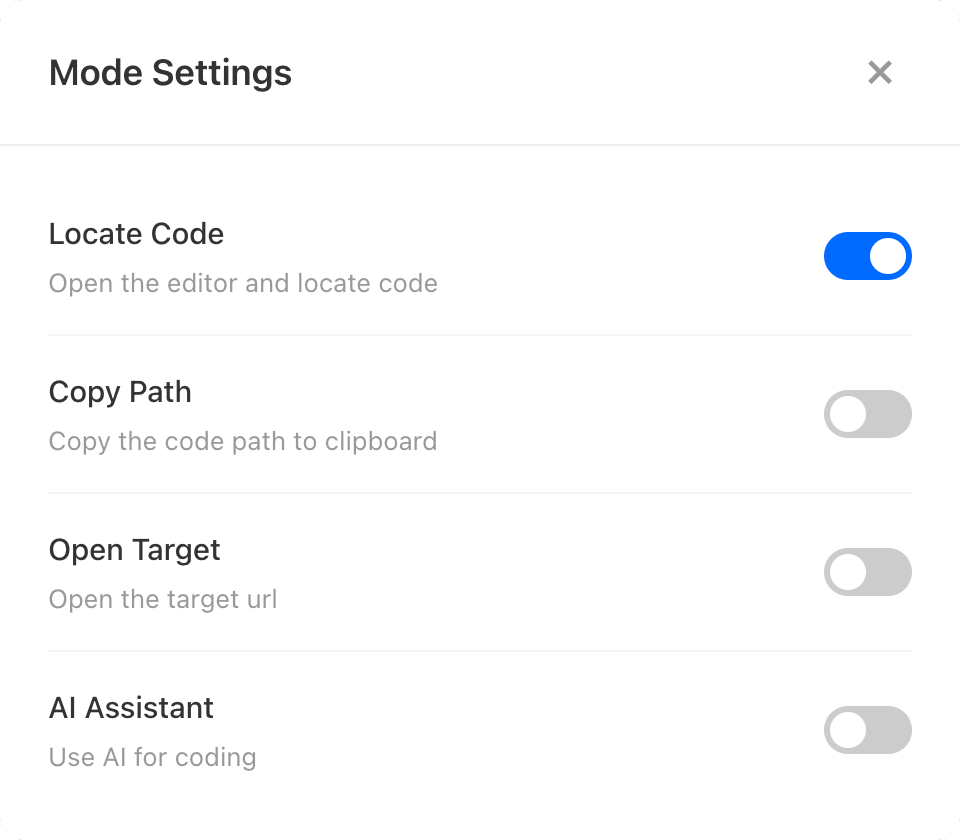
Method 1: HotKeys + Left Click
Hold the combination key (Option + Shift on Mac, Alt + Shift on Windows), move to an element, and left click to locate code.
Method 2: Switch + Left Click
When showSwitch: true and the switch is on, move to an element and left click to locate code.
Method 3: HotKeys + Key 1
Hold the combination key, move to the target element, then press 1 to trigger code location quickly.
This method works even when Locate Code is turned off.